
Features
Built for reading
regulatory PDFs.
Familiar document controls, useful search and a place to save your research.
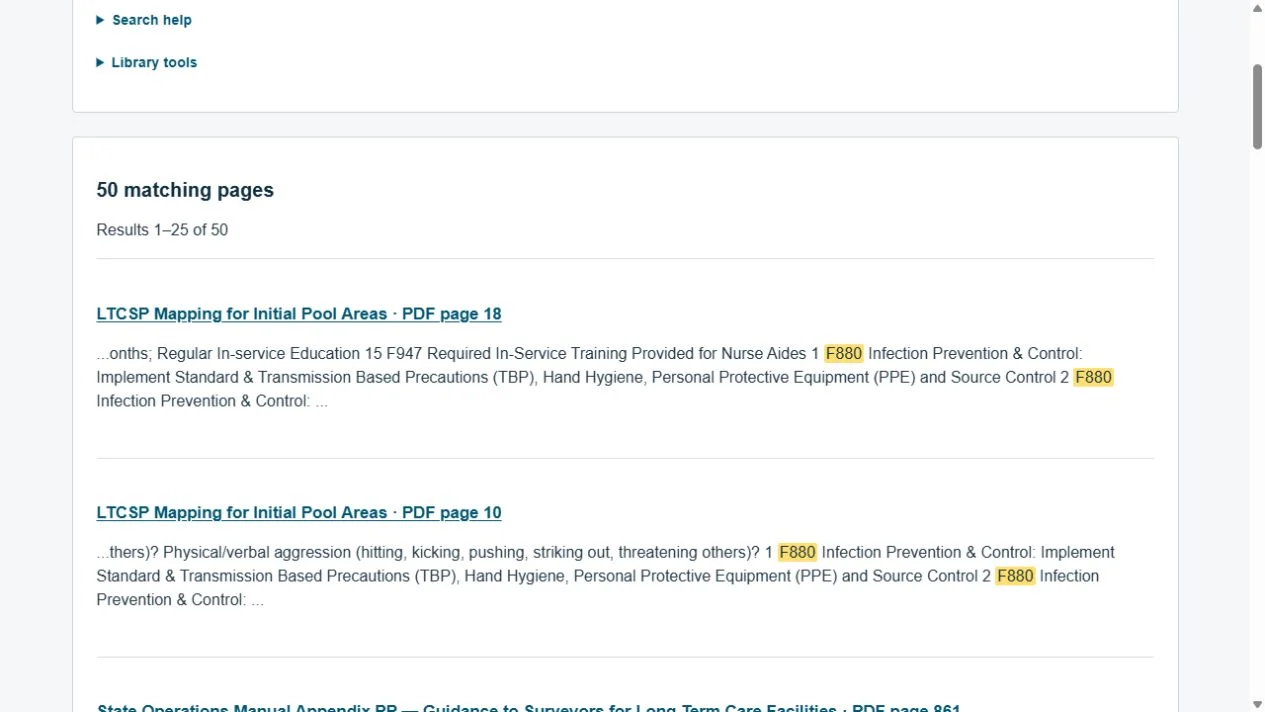
Search across documents.
Look for a phrase, subject or F-tag inside the indexed PDFs. Results show a matching excerpt and physical page number, so you can open the source in context.
- Topic and category filters
- Matching words highlighted
- Historical editions hidden by default
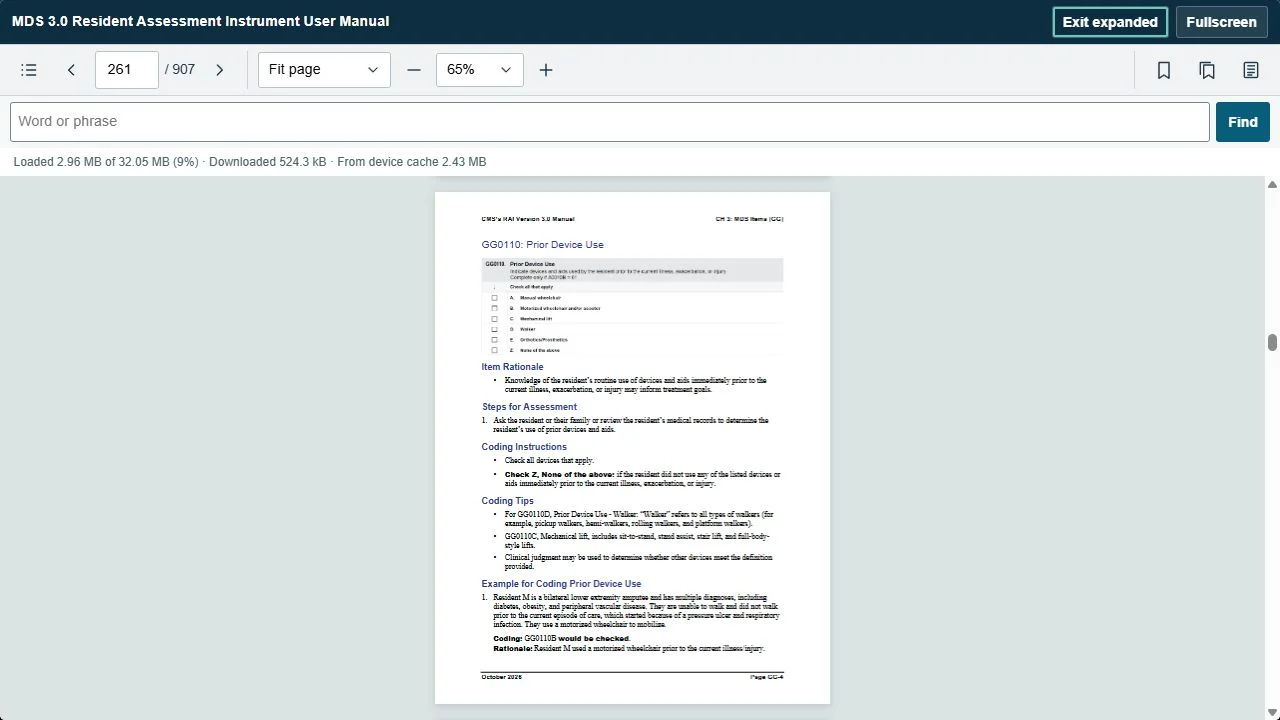
Read the way you prefer.
Fit the whole page, fill the reading width, or choose Single page to turn pages as you scroll to their edges. Expanded and fullscreen views give the document more room.
- Continuous or single-page reading
- Page number, zoom and keyboard controls
- Partial loading and device caching for efficient reading
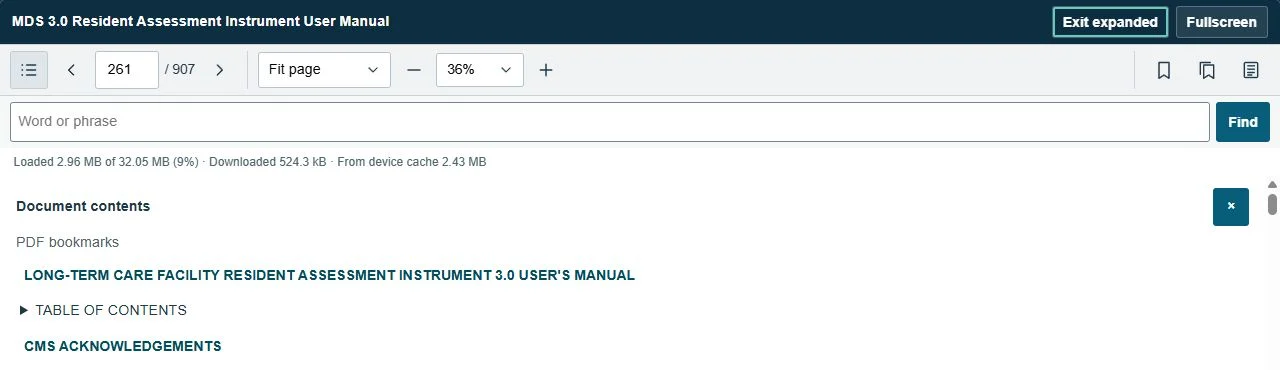
Jump to a section.
Open Contents to use the bookmarks already built into a PDF. Reviewed library contents can also be supplied for editions without embedded bookmarks.
Availability varies by document. You can always enter a page number or make your own saved-page list.
Keep useful pages close.
The bookmark icon fills when the current page is saved. Your saved pages are private to your account and tied to the edition you read.

Check the edition and source.
Document details record the official source, edition label and known qualifications. Earlier saved editions remain identifiable rather than silently changing beneath a bookmark.
Use the publisher’s source when checking current requirements. Library inclusion is not a guarantee of complete or legally current coverage.
Join the free pilot.
Try the library with your own skilled nursing research.